MP4
Best for video wallpaper apps and motion previews.
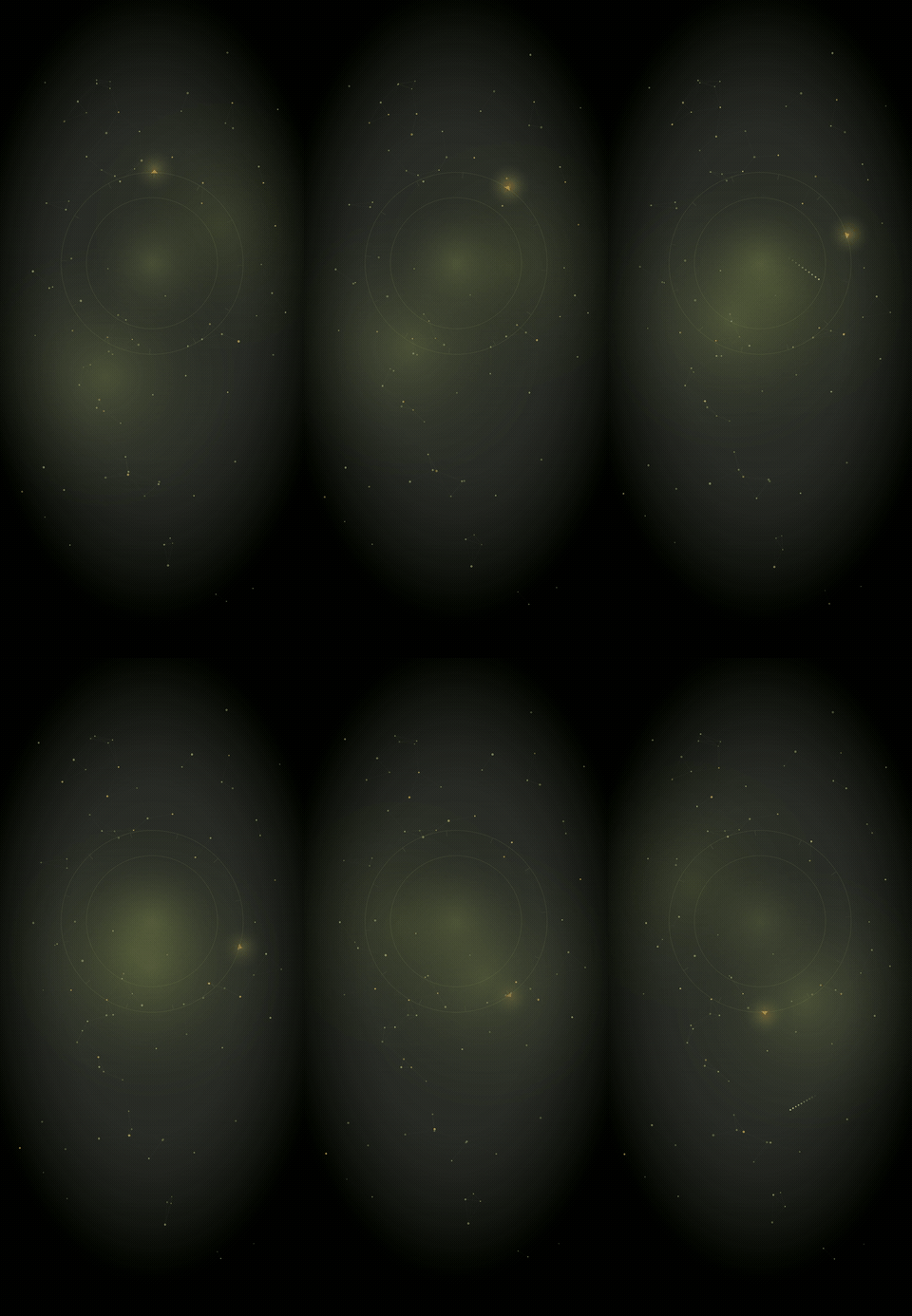
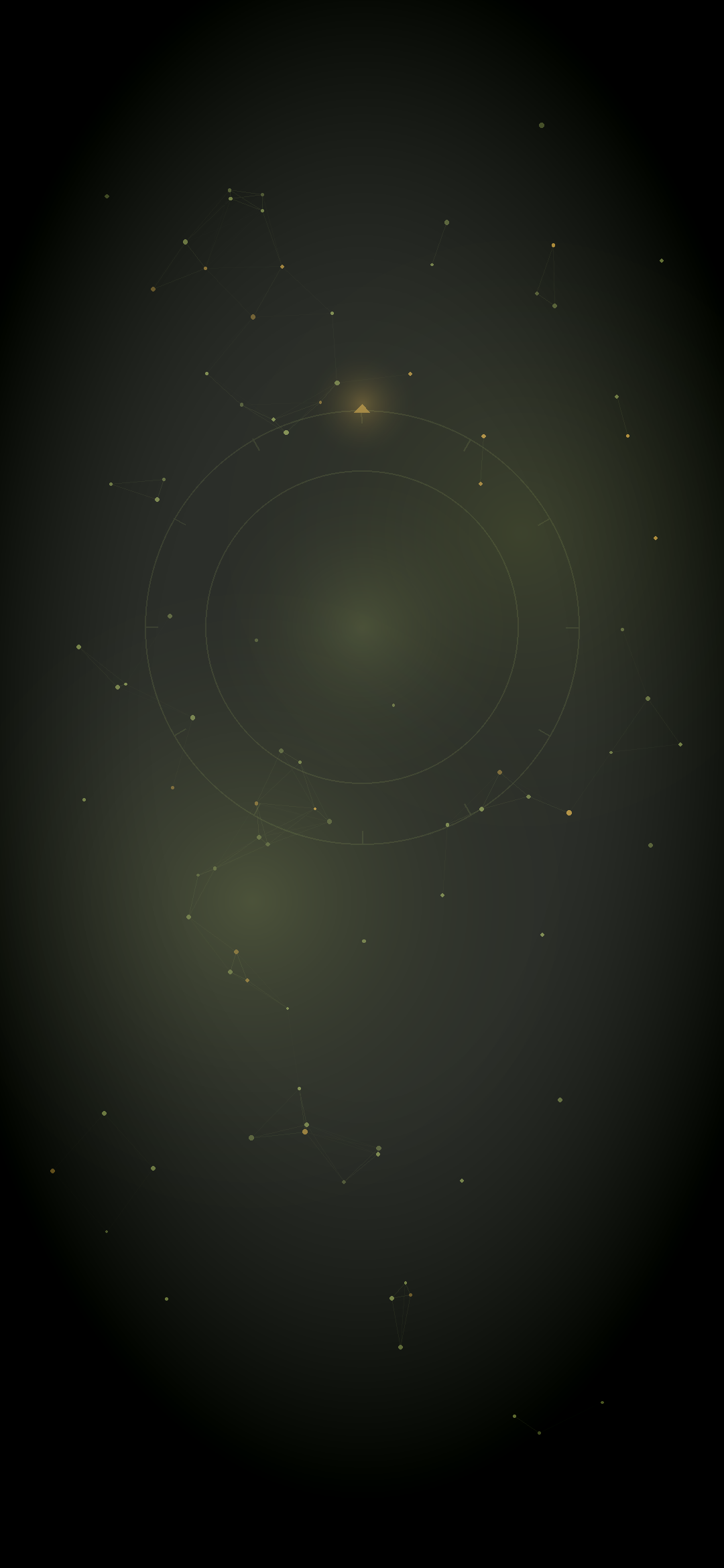
Constellation: the compass mark adrift among stars, with a slow rotating ring, an aurora glow, and the occasional shooting star. Download the video, the GIF, or the still image.
Best for video wallpaper apps and motion previews.
Useful when a simple looping animation is easier to save or share.
The still version for any phone lock screen or background.
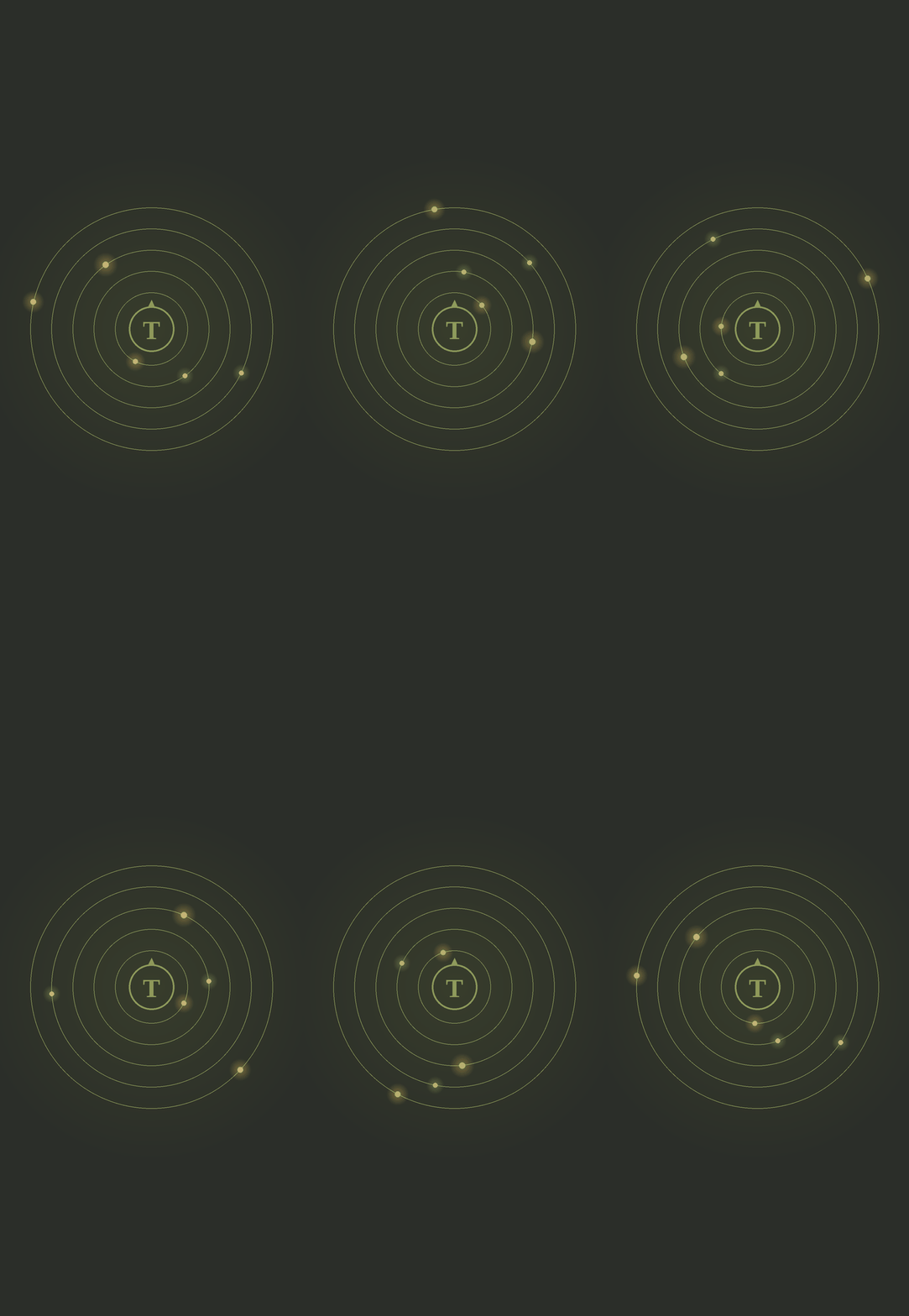
The compass mark held at center while gold and pale bodies drift around it on slow concentric rings.
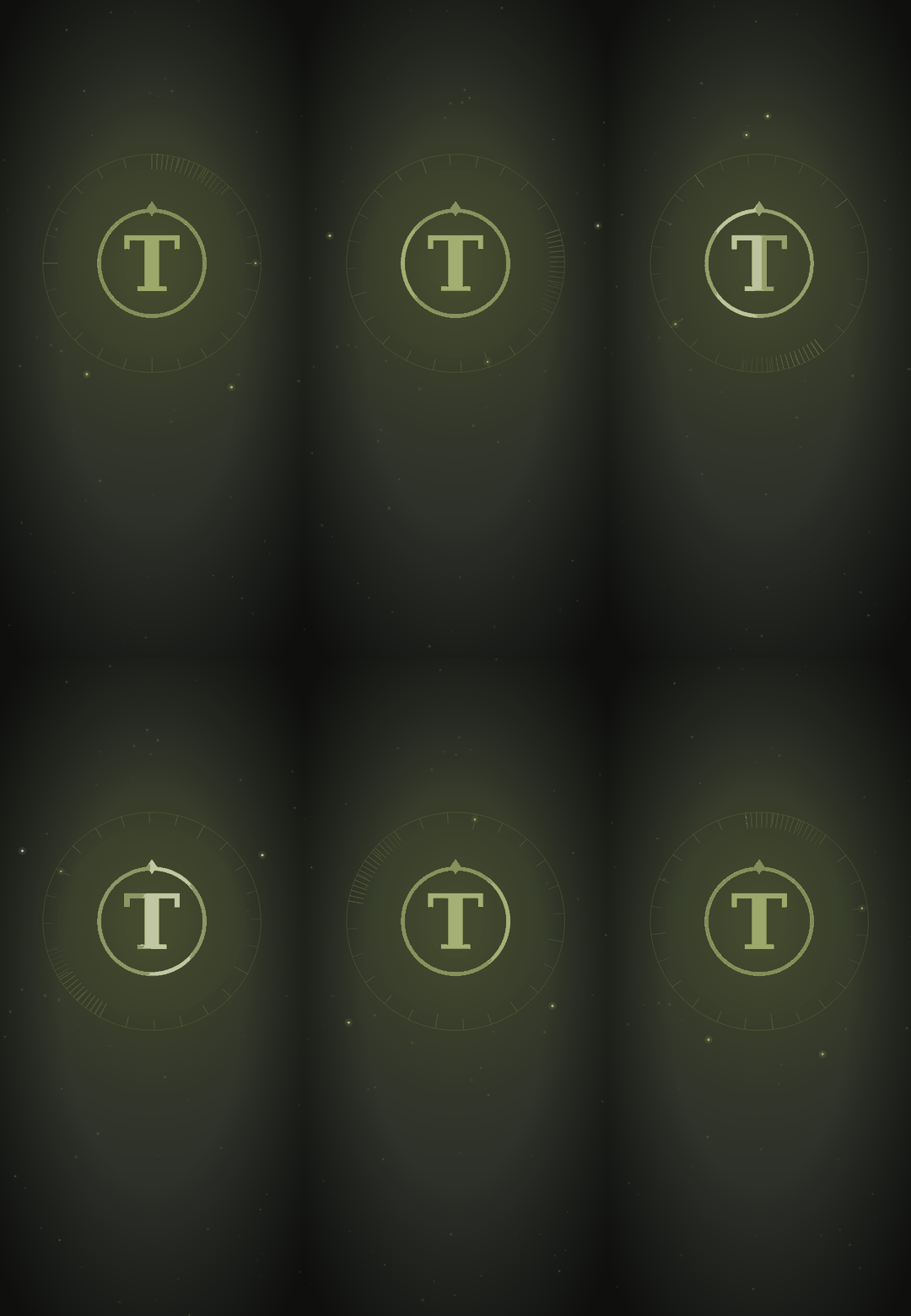
The original, simpler compass mark in motion, if you'd rather keep it plain.